Advanced Custom Fields (ACF) makes it simple to create metaboxes, Gutenberg blocks, and other custom fields through an intuitive interface. These fields are saved to the database and displayed in the WordPress admin without requiring custom code.
That workflow can introduce challenges when you follow a modern development process: develop locally, test on staging, then deploy code to production. Because you normally don’t overwrite the production database with your development database, any metaboxes or field groups created locally won’t automatically appear in production.
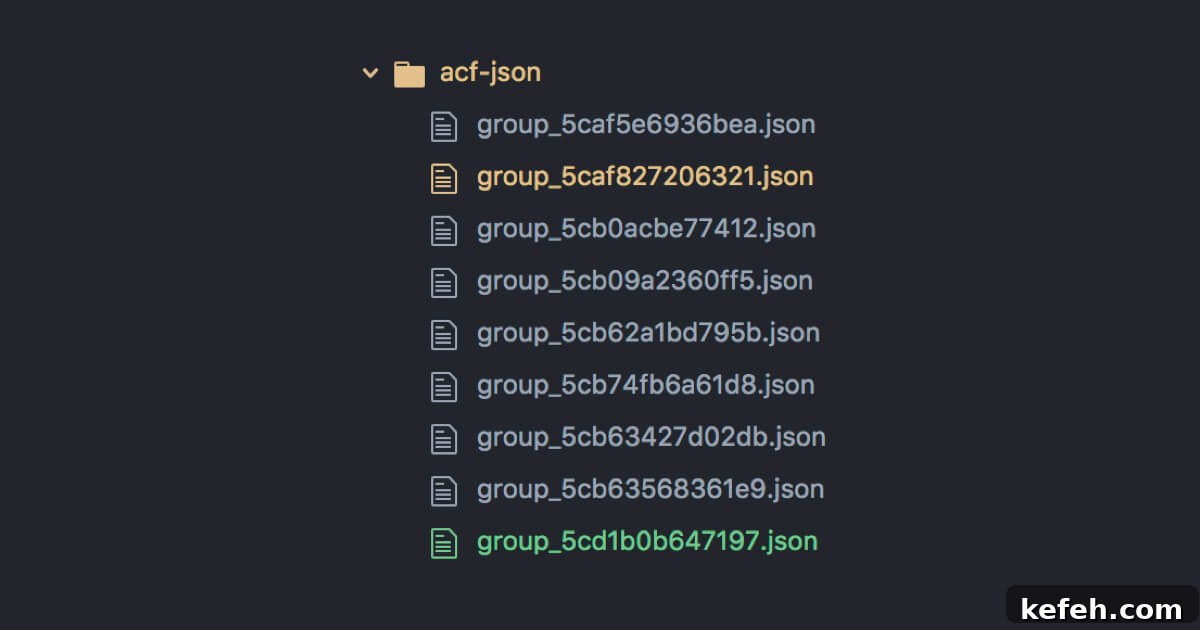
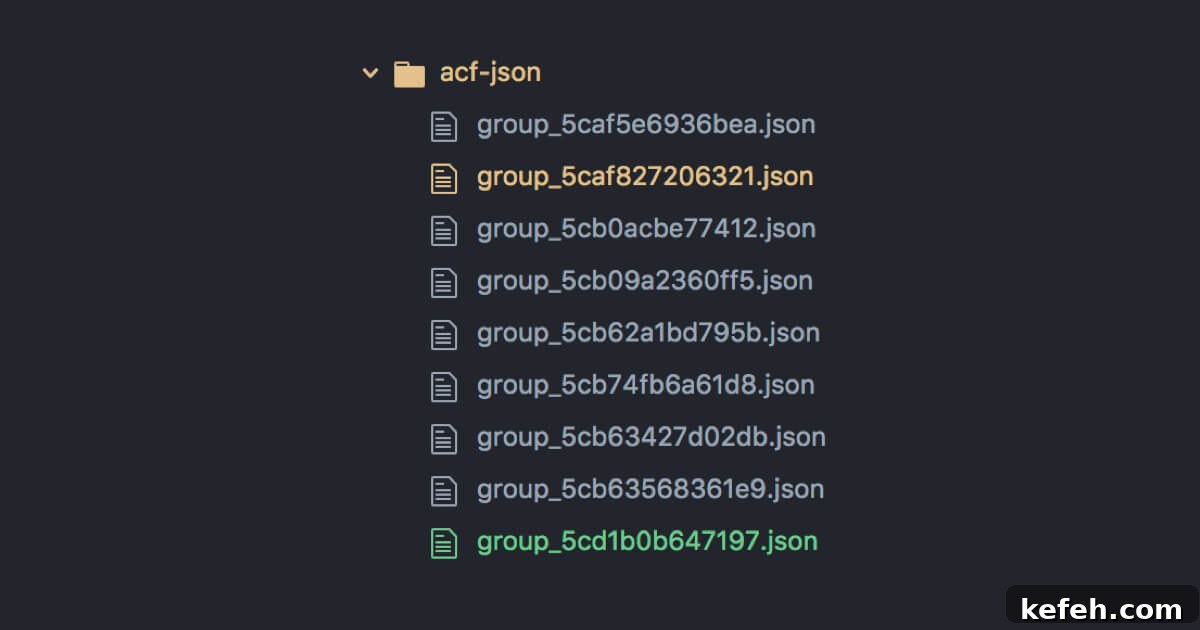
To solve this, ACF includes a Local JSON feature. When you add an acf-json/ folder to your theme (or plugin), ACF writes a JSON file for every field group. These files can be committed to version control alongside your theme or plugin, ensuring field definitions travel with your code.
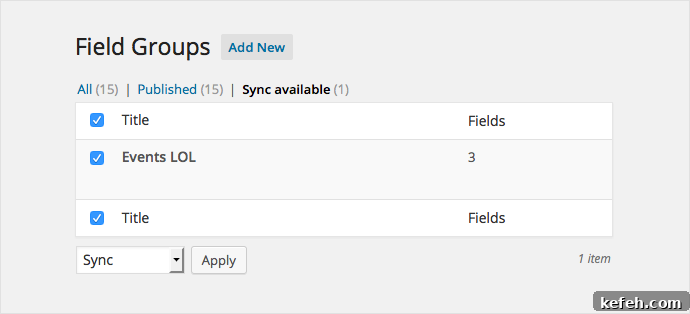
After deploying the code to production, log in to the production site, open Custom Fields in the admin area, and click “Sync available” to update the production database from the JSON files. This ensures the database definitions match the version-controlled JSON definitions.
JSON always takes precedence
When a JSON file exists for a field group, ACF will always use that JSON definition instead of the database entry, regardless of which was changed last. In practice this means changes to the JSON immediately affect the metabox behavior; manually running “Sync available” updates the database to match the JSON, but is not required for the JSON-driven behavior to take effect.
Be aware that if your JSON files are removed or become unavailable — for example, if you switch to a theme that doesn’t include them — ACF will fall back to the database definitions, which can produce an older state for your field groups. Because of this, it’s a good practice to sync field groups in the admin after finishing edits and to store JSON files in a location that follows your deployment strategy.
Alternative approach: a core functionality plugin
A reliable pattern for site-specific features that should persist across theme changes is to place them in a core functionality plugin rather than inside a theme. Anything the site owner expects to keep working after a theme switch belongs in a plugin.
In a core functionality plugin you can store ACF JSON files in an acf-json/ folder and instruct ACF to read and write there. Additionally, you can limit the field editor to development environments to prevent accidental edits on production, expose an options page if needed, and register custom ACF blocks from the plugin.
Below is an example structure used inside a core functionality plugin:
- Save ACF JSON files inside the plugin’s
acf-json/directory so field definitions are version controlled with the plugin. - Only display the ACF field editor on local development by checking a constant such as
WP_LOCAL_DEV === true, preventing clients from modifying field groups on production. - Optionally register an options page for site-wide settings that an administrator can manage.
- Optionally register ACF Gutenberg blocks from the plugin so blocks remain available regardless of the active theme.
The following concise example demonstrates how to implement these behaviors inside a plugin file. It disables the admin field editor on non-development environments, sets the save path for local JSON files, and adds that path to ACF’s load paths. It also includes commented hooks for registering an options page and blocks when needed.
 __( 'Site Options', 'core-functionality' ),
        'capability' => 'manage_options',
      ) );
    }
  }
  function register_blocks() {
    if ( ! function_exists( 'acf_register_block_type' ) ) return;
    acf_register_block_type( array(
      'name'            => 'features',
      'title'           => __( 'Features', 'core-functionality' ),
      'render_template' => 'partials/block-features.php',
      'category'        => 'formatting',
      'icon'            => 'awards',
      'mode'            => 'auto',
      'keywords'        => array(),
    ));
  }
}
new BE_ACF_Customizations();
Using a core functionality plugin for ACF JSON keeps field definitions consistent across environments and safe from accidental edits on production. It also makes field groups and blocks portable between themes while remaining under version control.